
Giving AI Coding Agents Safe Eyes and Hands on Windows with SlyPilot's Native MCP Server
How SlyPilot's built-in stdio Model Context Protocol (MCP) server equips Claude Code, Cursor, and Gemini CLI with 21 typed Windows desktop tools behind 5 permission tiers, password-manager masking, and dedicated Agent virtual desktops.
Why AI Coding Agents Need Structured, Permission-Gated Desktop Tools
Modern AI coding assistants like Claude Code, Cursor, Gemini CLI, and VS Code Copilot are brilliant inside a terminal or source file - yet the moment they need to verify how a rendered desktop app looks, inspect a UI layout across monitors, or click a test button in a running window, they are flying blind. Worse, naive 'computer use' wrappers that click arbitrary screen coordinates steal your mouse cursor, interrupt your active typing, and risk exposing password managers or private browser tabs.
SlyPilot includes a native, zero-dependency Model Context Protocol (MCP) server built right into SlyPilot.exe ('SlyPilot.exe mcp'). It exposes 21 strongly-typed tools over standard input/output (stdio) and a local HTTP JSON Agent API - engineered from day one around human governance, named-window targeting, and automatic privacy masking.
21 Typed MCP Tools: Named Windows, Local OCR, UI Automation & Offline Transcription
Unlike coordinate-clicking scripts that blindly send keystrokes to whatever window happens to be in the foreground, SlyPilot's MCP tools (slypilot_window, slypilot_ui, slypilot_input) require the agent to specify a target window by handle, title, or process name. An agent can snap, resize, inspect UI Automation control trees, or click a named button in a test app without hijacking your active editor focus.
With slypilot_screenshot and slypilot_ocr, agents can capture a specific window or monitor and extract every visible text label and bounding box via 100% offline Windows OCR. Through slypilot_say, an agent can invoke any of SlyPilot's 550+ built-in voice commands by text ('snap left', 'go to desktop 3'), and with slypilot_transcribe (SlyPilot Pro), agents can transcribe local audio or video recordings into structured text or SRT subtitles completely offline.
Defense-in-Depth: 5 Permission Tiers, Protected Windows & Phone Approvals
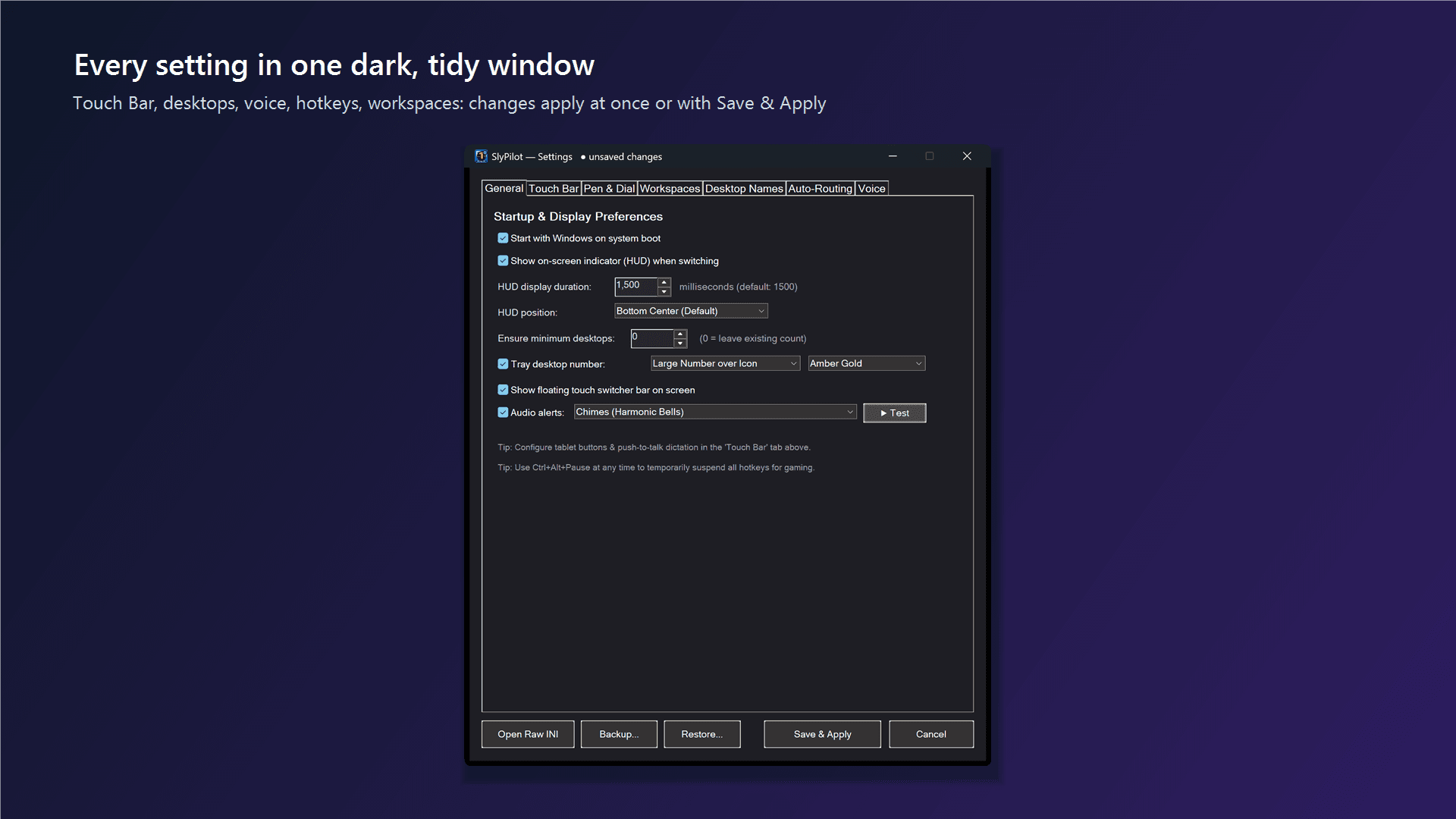
Agent Control in SlyPilot is off by default and governed by five clear permission tiers in the tray menu: Read (list desktops and windows), See (screenshots and OCR), Control (move/snap windows and switch desktops), Input (click UI controls and send keys to named windows), and System (launch apps and run shell commands). High-sensitivity Input and System tiers automatically expire after 15 minutes or 1 hour so permissions are never accidentally left open overnight.
Every screenshot and window enumeration passes through SlyPilot's Protected Windows filter: password managers (1Password, Bitwarden, KeePass) and private/incognito browser windows are automatically painted solid black in screenshots, omitted from window lists, and blocked from input tools. You can also isolate agents inside a dedicated 'Agent' virtual desktop ('Shared Only' scope) and approve or deny sensitive actions from your PC or your iPhone/Android phone via SlyRemote - with Ctrl+Alt+Shift+F12 always standing by as an instant hardware kill switch.
Connect Claude Code, Cursor, or Gemini CLI in under 30 seconds by running 'SlyPilot.exe mcp-config': Download SlyPilot Free ($0) or read our MCP Server & Agent API Documentation.
Comments
Leave a Comment
No comments yet. Be the first to share your thoughts!