
Download SlyPilot Desktop Helpers
The high-speed virtual desktop, floating touch dock, shortcut panel studio, and offline voice cockpit for Windows 10 & 11.
Free Core (MIT License) - Zero Focus Loss - 100% Offline - Standalone 64-bit PE
- 13 MB
- Standalone Binary
- 0 ms
- Input Latency
- ~60 MB
- Idle Footprint
- 0 KB Sent
- 100% Offline
Self-contained 64-bit PE with zero external runtimes or frameworks
Win32 no-activate paint clipping and direct pointer touch API
Extremely lightweight background footprint in your system tray
Zero cloud telemetry, zero accounts, your voice never leaves your PC
Choose Your Download Package
Both installer and portable editions include the complete Free Core (MIT License). Upgrade anytime to SlyPilot Pro.
Recommended
SlyPilot Setup (Installer)
Automated per-user installation into LocalAppData. Recommended for standard PC and laptop setups.
Free/v1.5.0
- Automated per-user install (no admin rights needed)
- Start Menu shortcuts & optional Desktop icon
- Optional Start with Windows background task
- Zero-focus-loss Touch Bar, Peek Pill & Touch Shortcut Panels
- Radial menu, 18 snap zones, and 300+ voice commands
- Screenshots: Frozen-Screen Selector, History, Pins, OCR & Quick Redact
- 'Show Numbers' UI overlay, Office/IDE macros & 16-tool MCP server
Zero Install
SlyPilot Portable (.zip)
100% self-contained portable directory. Run from any local folder, USB drive, or cloud directory.
Free/v1.5.0
- Zero installation - unzip and launch SlyPilot.exe
- Run from USB thumb drive or portable media
- Settings stored in SlyPilot.ini next to executable
- Zero registry clutter or system pollution
- Instant removal: simply delete the folder
- Includes all Free Core desktop, voice & screenshot tools
Perpetual License
SlyPilot Pro
Unlocks the 5 Pro parts — local GPU speech & voice editing, meeting & file transcripts, phone remote, 45 natural voices, and screenshot editor/recorder/guides — plus Home Link (preview).
$39/one-time
- Everything in Free Core included
- 1. Continuous GPU/CPU AI Speech Dictation & In-Place Voice Editing
- 2. Private Meeting Notes & Batch Audio/Video File Transcription (SlyMeet)
- 3. Encrypted Phone Remote (SlyRemote: Chrome on Android)
- 4. 45 Natural Neural TTS Voices (SlyTts: Kokoro, Piper, Supertonic)
- 5. Screenshot Editor, MP4/GIF Screen Recorder, Scrolling & Guides (SlyShot)
- Also Included (Preview): Home Link for Google Home, Alexa & Apple Home
- Up to 3 personal PCs, 1 year of updates & 30-day refund guarantee
Up & Running in Under 60 Seconds
No complex prerequisites or runtimes. From download to zero-latency virtual desktop control in three easy steps.
1. Download & Launch
Download the setup installer or extract the portable ZIP. Launch SlyPilot.exe. No administrator privileges or extra runtimes required.
2. SmartScreen Confirmation
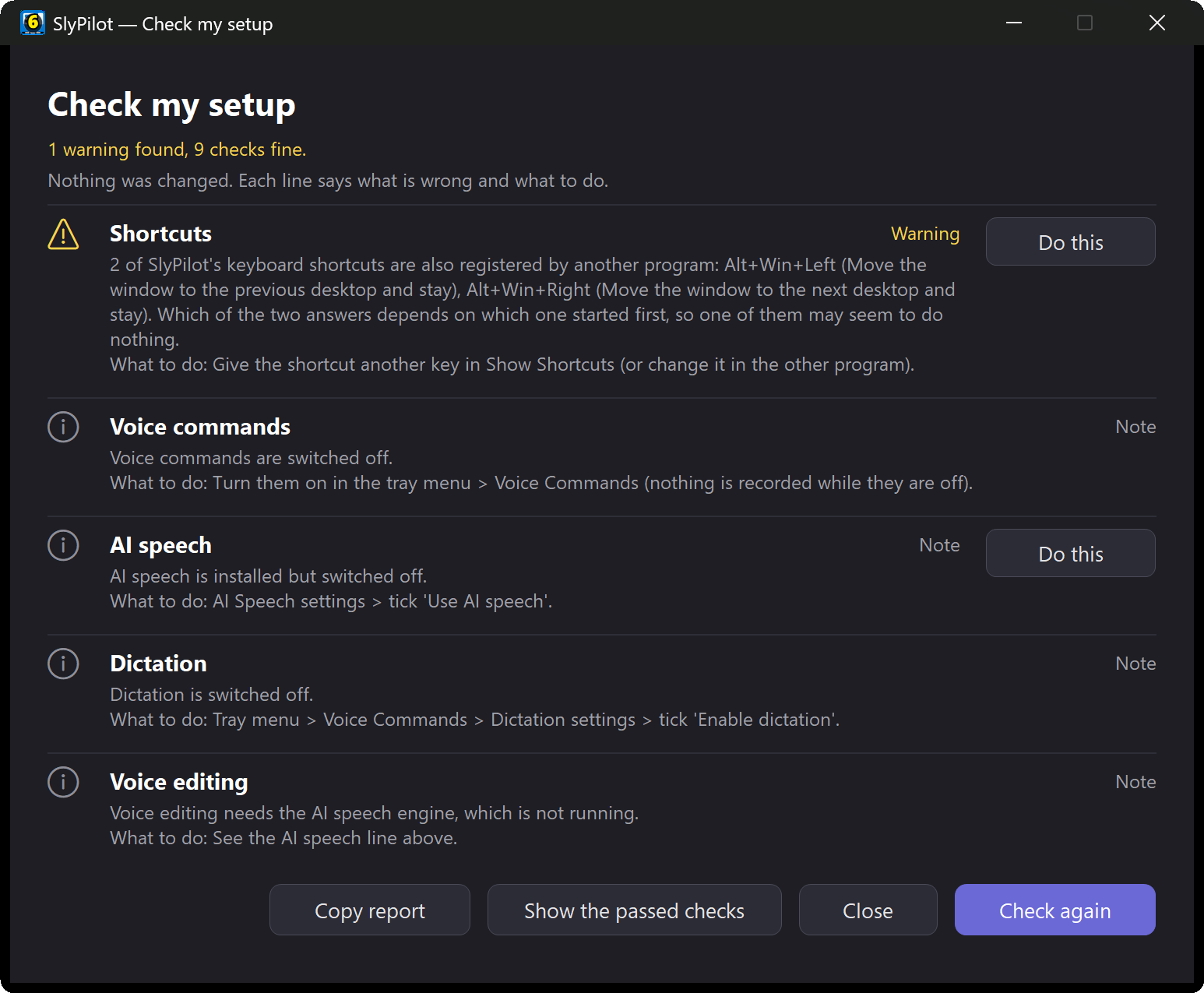
If Windows SmartScreen displays 'Windows protected your PC', click 'More info' and then 'Run anyway'. Core source code is 100% open-source under MIT.
3. Take Flight
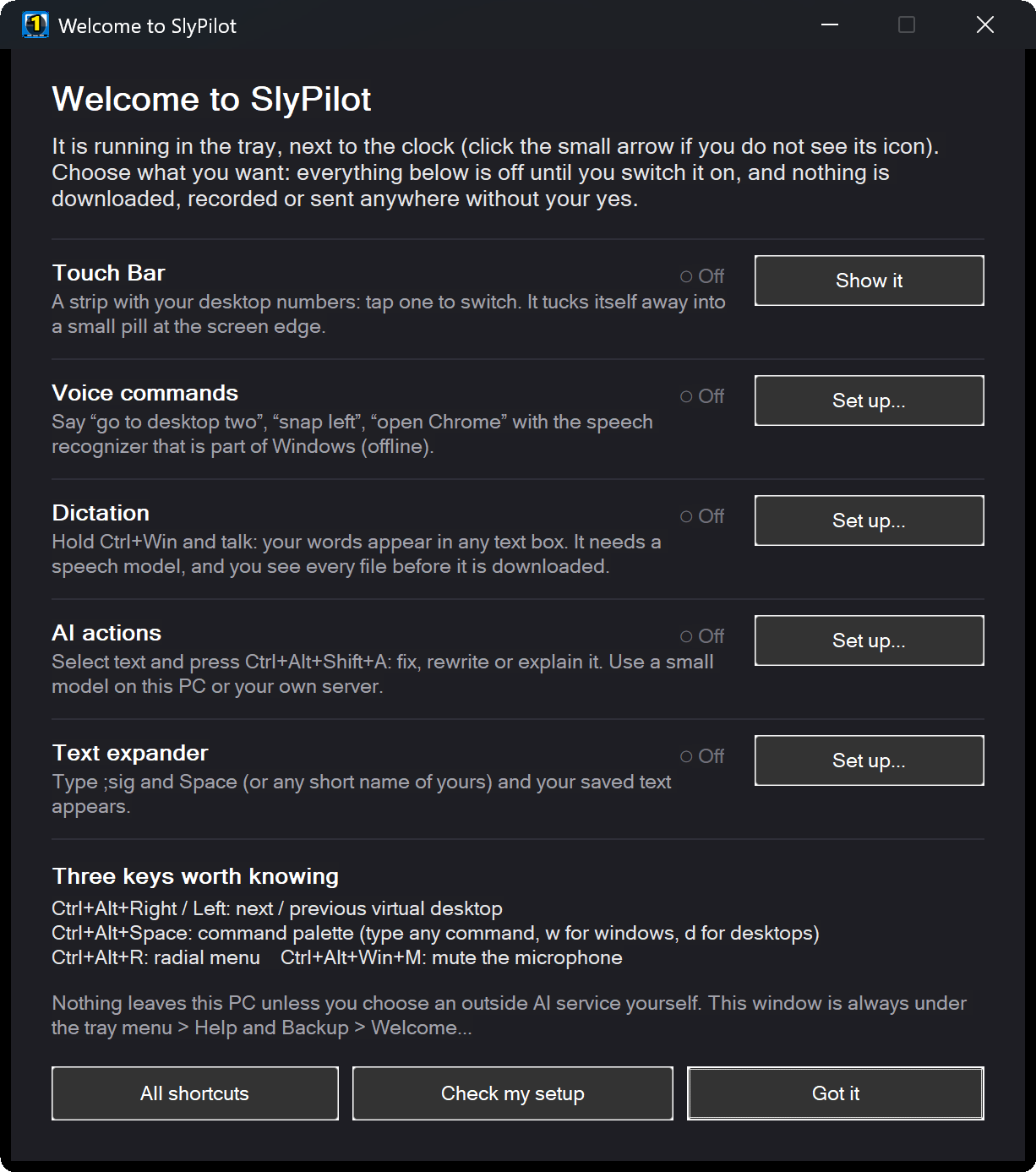
Use Win+Ctrl+Left/Right to switch desktops, touch the screen edge to expand the Touch Bar, or press Right Ctrl to dictate hands-free.
Engineered for Speed, Ergonomics & Privacy
A complete multi-tool built with AutoHotkey v2 64-bit, C# native helpers, and C++ COM hooks.
Zero-Latency Desktops
Switch, organize, and pin virtual desktops instantly. Rename desktops with emoji badges and save full workspace snapshot layouts.
Explore Virtual DesktopsZero-Focus-Loss Touch Bar & Panels
Floating edge dock, Peek Pill drawer, and Touch Shortcut Panels ('From menus...'). Touch, drag, and click without stealing focus.
Explore Touch Bar & PanelsSurface Dial, Pen & Radial Menu
On-screen radial pie menu with per-pixel alpha backdrop, driverless Surface Pen eraser/barrel buttons, and smooth hardware Surface Dial rotation.
Explore Radial Menu18-Zone Snap Layouts
Touch-friendly snap grid, multi-monitor window fling, auto-tiling, boss-key window stashing, and background dimming.
Explore Snap Layouts300+ Voice Commands & Macros
Hands-free PC control with 5,700+ spoken phrases, 'Show Numbers' UI overlay, 'Record What I Do' macros, and Office/IDE automation.
Explore Voice Commands100% Private & Local
All commands and speech recognition run entirely on your local PC. Zero telemetry, zero analytics, zero external cloud dependencies.
Read Privacy ManifestoRelease Integrity & Cryptographic Checksums
Verify your download package authenticity before launching on your system.
Verify your downloaded binary against our official cryptographic checksums:\n\n- SlyPilot-Setup-1.5.0.exe: 3aee46cdaca6657b432ccb3fa4d3d62b0d47dba7522f11d5b5fb2c284179c3be\n- SlyPilot-1.5.0-Portable.zip: Published on official GitHub Releases\n\nRun in PowerShell: Get-FileHash -Algorithm SHA256 .\SlyPilot-Setup-1.5.0.exe
Open PowerShell in your Downloads directory and run:\n\nGet-FileHash .\SlyPilot-Setup-1.5.0.exe -Algorithm SHA256\n\nCompare the returned hash against the 64-character SHA-256 string above. If the hashes match, your download is 100% authentic and unaltered.
Installation & Activation FAQ
Frequently asked questions regarding requirements, SmartScreen notices, and Pro licensing.
Windows 10 (version 20H2 or newer) or Windows 11 (24H2 build 26100.2605+ for virtual desktop COM hooks). 64-bit Intel or AMD x64 processor. Approximately 13 MB program size and ~60 MB idle RAM footprint. No administrator privileges required.
The installer is not code-signed yet, so Windows Defender SmartScreen may display 'Windows protected your PC'. Click 'More info' and then 'Run anyway'. You can also verify your download against the official SHA-256 checksum above. The core source code is open-source under the MIT license.
After purchasing SlyPilot Pro ($39), you receive an email containing your licence key (SLY-XXXXX-XXXXX-XXXXX-XXXXX). Right-click the SlyPilot tray icon -> Help and Backup -> SlyPilot Pro..., paste your key into the box (or drop an offline SlyPilot.lic file on the window), and click Activate. SlyPilot exchanges the key for an Ed25519-signed 30-day lease (SlyPilot.lease) for your PC with no restart required. Each licence covers up to 3 personal PCs.
Right-click the SlyPilot tray icon and select Help and Backup -> Check for Updates. When upgrading, simply run the new setup installer directly over your existing installation — all your settings, desktop names, custom macros, and workspaces remain untouched. (Keep your licence email: a settings backup does not include the Pro licence.)
If you used the Setup installer, go to Windows Settings -> Apps -> Installed apps -> SlyPilot and click Uninstall. The Inno Setup uninstaller asks whether you wish to keep or delete your settings and downloaded speech models. If you used the Portable ZIP edition, simply exit SlyPilot and delete the folder.
Ready to Fly?
Download the free, zero-latency desktop companion today or upgrade to SlyPilot Pro for continuous offline AI speech.
Open-source core - Zero telemetry - 30-day money-back guarantee on Pro