
SlyPilot Support & Diagnostics
Fast, local-first technical help for SlyPilot Desktop Helpers.
Fast, local-first technical help. Send reports to contact@slypilot.com or submit the form below.
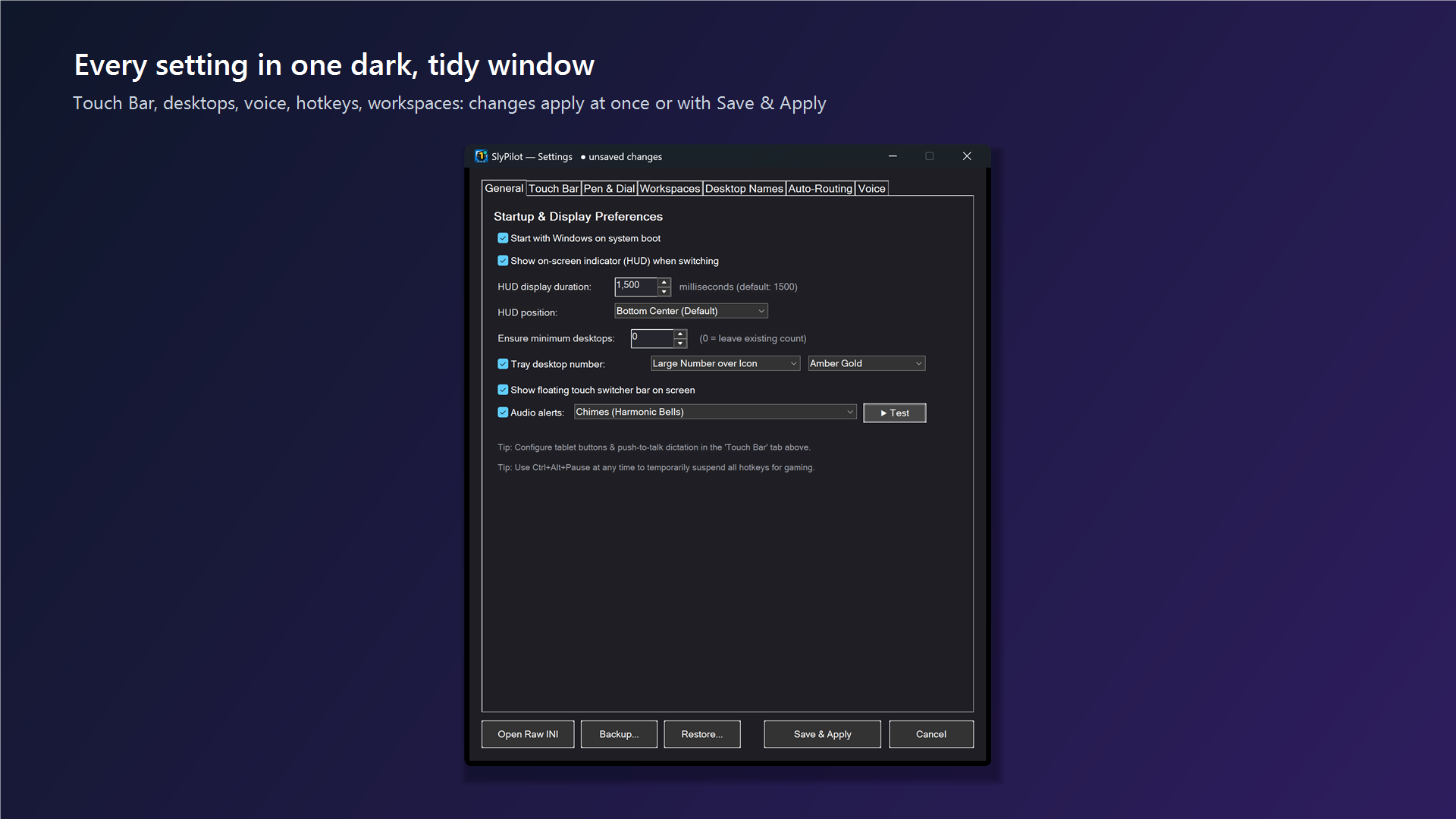
Core Capabilities & Controls
Engineered for zero focus loss, instant response, and complete local privacy.
1. Problem Reports
For technical issues: Open tray menu -> Help and Backup -> Report a problem... (or About -> Diagnostics). This copies a clean, redacted diagnostic report to your Windows clipboard. Include this report and a description of the issue.
2. Orders & 30-Day Refunds
For purchase, delivery, or refund inquiries: Email contact@slypilot.com with your order number or purchase email, and your licence ID if you received one. Refunds are honored within 30 days of purchase.
3. 100% Privacy Protected
The diagnostics report contains only program and Windows versions, Setup Doctor check states, and settings key counts. It contains NO speech text, NO user names, and NO settings values. SlyPilot sends nothing automatically.
Send a Problem Report
Submit your inquiry and paste your clipboard diagnostics report below. Submissions are delivered to contact@slypilot.com.
Diagnostics, Privacy & Refund Policy
Everything you need to know about reaching support, our 30-day refund policy, and zero-telemetry diagnostics.
Within 30 days of purchase, just reply to your license email or write to contact@slypilot.com and quote your order number or license ID. We issue a full refund promptly, with no hassle.
For order, delivery, or renewal questions: provide your order number or the email address used during purchase, and your license ID if you have one. For technical issues: include the diagnostic report copied to your clipboard via tray menu -> Help and Backup -> Report a problem... (or About -> Diagnostics) and describe what happened.
The diagnostics report is generated entirely in memory on your PC. It includes: application build version, Windows OS build number, VirtualDesktopAccessor COM status, Setup Doctor hardware checks (microphone access, audio routing), settings section key counts (never values), and the last few lines of crash.log with user/PC names masked and speech logs removed.
Never. SlyPilot has no background telemetry, no crash-upload daemon, and no remote analytics. The only way support receives your diagnostics is if you explicitly choose to copy and paste it into an email or issue ticket.
You can inspect the full clipboard text in Notepad before sending it anywhere. Simply press Ctrl+V in any text editor to verify that no private data or secrets are present.